Xviewr: Browser-Based 3D Engineering Viewer
Drop. View. Share.
Load instantly. See clearly. Collaborate in real time.
Who is Xviewr for?
Xviewr is built for product managers, engineers, simulation leads, and operations teams who need to work with heavy 3D models without workflow friction. Whether you are reviewing CAD files, coordinating across departments, or demoing designs for clients, Xviewr gives you the speed, clarity, and control you have been missing.
A clearer path through every 3D review
Xviewr follows the real sequence of an engineering review: open the model, find the part, look inside, measure, then leave a note the rest of the team can trust. No CAD seat. No install. No export round-trip.
- 01
Drop the file in any browser
Open STEP, mesh, BIM, and point-cloud data without installing CAD software. Xviewr is built for large assemblies that usually stall a review before it starts.
- 02
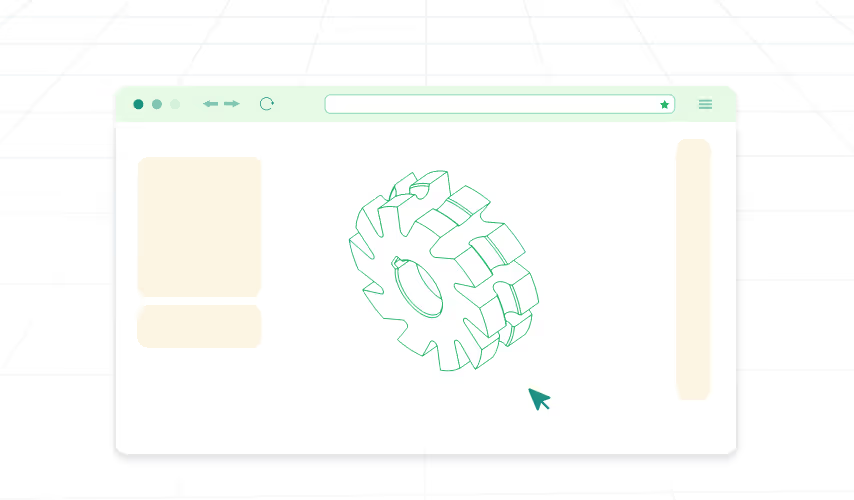
Find any part in the model tree
Expand the assembly, search by name or manufacturer, and highlight the component in the viewer. Hide, show, and select from the tree so the 3D scene stays in sync.
- 03
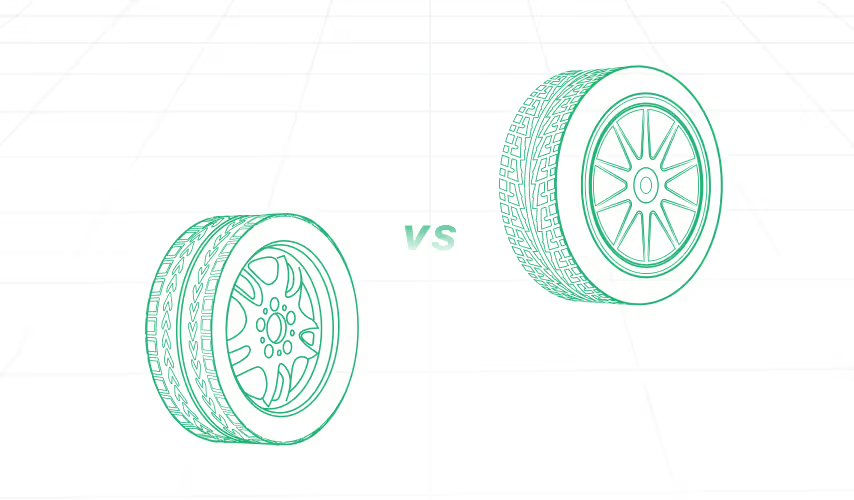
Isolate, ghost, or hide the noise
Keep the critical geometry on screen. Isolate a part, ghost the rest, or hide selected components so reviews stay focused on the issue, not the clutter.

- 04
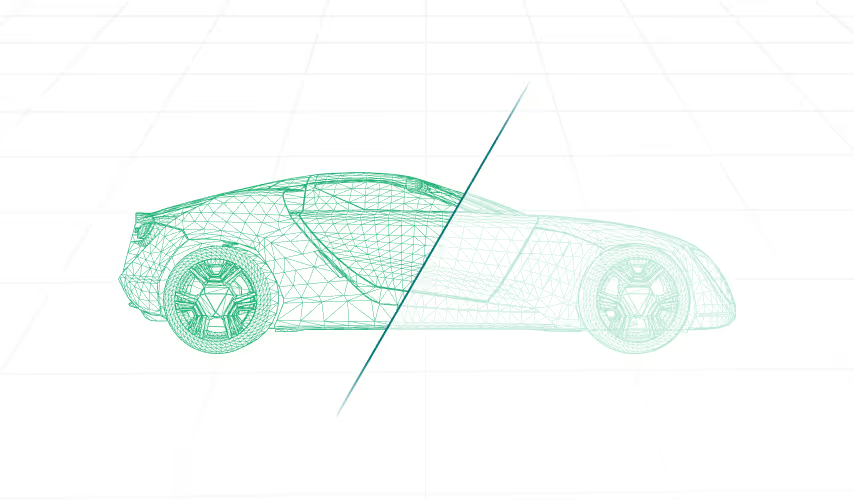
Cut through to see inside
Create cross-sections from any angle, inspect internal geometry, and export section contours when the conversation depends on what is hidden.
- 05
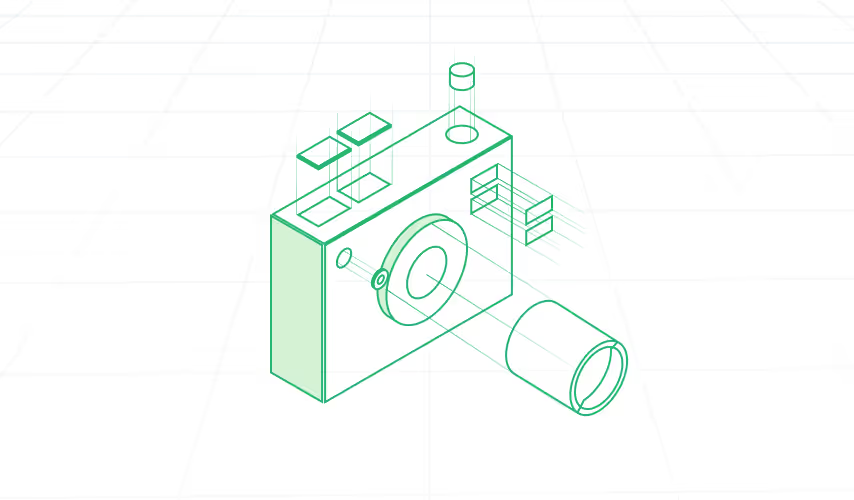
Explode the assembly
Push parts along an axis or radially to understand spacing, fastening, and how the product comes together without opening a CAD seat.
- 06
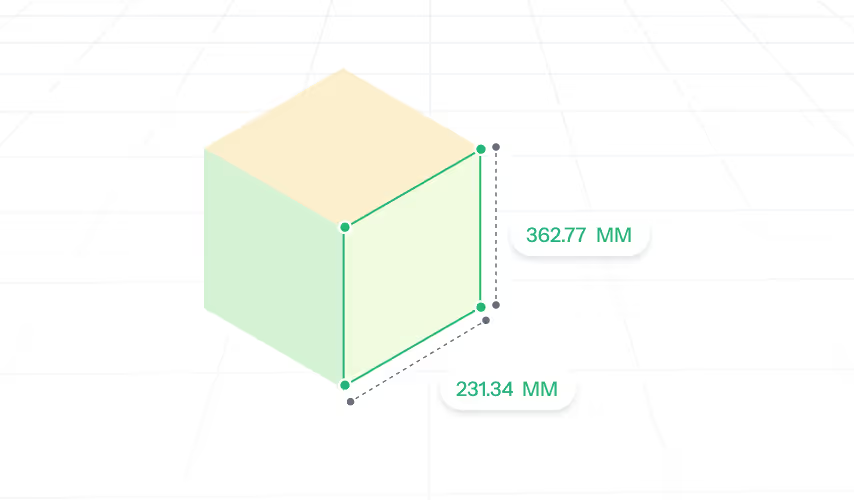
Measure, then leave the proof on the model
Take point-to-point distances, angles, radii, and bounding boxes in the browser. Add labels, comments, and documents so the next person sees the same decision.
Tools on the model, not in another file
The functions buyers ask about in demos - model tree, isolate, BOM, measurement, and transform workflows - without leaving the 3D view.
Web-based access
No install. Open large CAD, BIM, mesh, and point-cloud files from any browser.
Model tree
Navigate the full assembly hierarchy, search components, and keep the tree in sync with the 3D view.
Isolate, ghost, and hide
Focus a review on the parts that matter without rebuilding a presentation file.
Cross-sectioning
Cut through assemblies, inspect internals, and export section contours.
Exploded views
Disassemble complex assemblies in real time along any axis or radially.
Precision measurement
Point-to-point distance, angles, circle radius, and bounding box tools.
Part information and BOM
See metadata, files, visuals, and bill of materials in one panel.
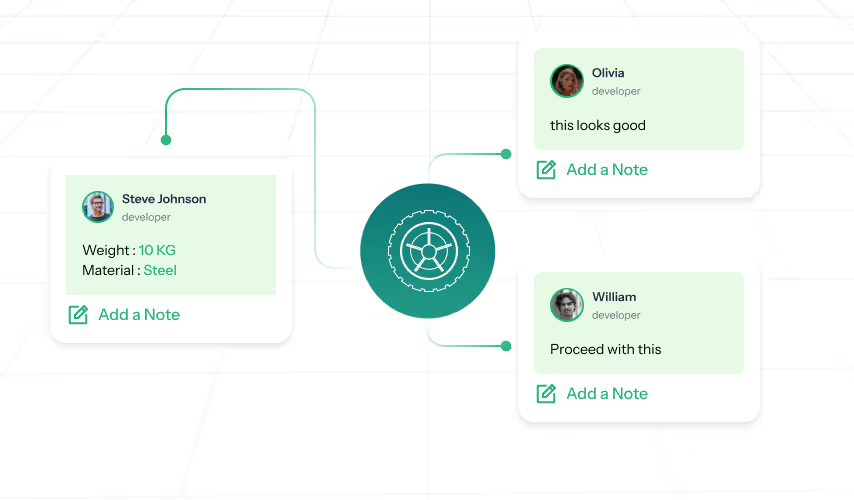
Labels, comments, and documents
Mark the model, tag teammates, and keep related drawings next to the 3D view.
Materials and appearance
Apply and preview materials, colors, and finishes for visual validation.
Transform and scene control
Move, rotate, or scale parts, fit to view, change orientation, and toggle the grid.
Supported file formats
If the file arrives, Xviewr should open it.
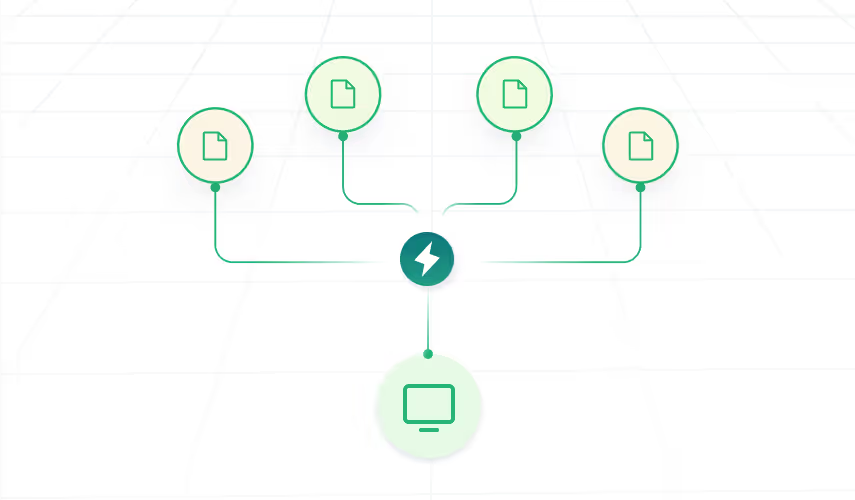
File format support is the question we hear most. Xviewr is built as a format-agnostic viewer for CAD, BIM, mesh, and point-cloud data, so teams stop waiting on conversions.
CAD and BIM
- STEP
- IGES
- IFC
- RVT
Mesh and visualization
- STL
- FBX
- OBJ
- GLB
- GLTF
- PLY
Point clouds
- LAZ
- LAS
Making 3D accessible across your organization
A lightweight, browser-based visualization platform for heavy 3D models. Built for teams that need access, not another CAD license.
- 01
No CAD licences
Cut license cost and give every downstream team access to the same 3D data.
- 02
Universal compatibility
Open STEP, IGES, IFC, STL, FBX, LAZ, LAS, RVT, GLTF, and more without conversion loops.
- 03
Clear visualization
Stay readable on complex assemblies, BIM files, meshes, and point clouds.
- 04
Fast on ordinary hardware
Load and inspect models in seconds, including on machines that cannot run CAD.
- 05
Flexible deployment
Run as a standalone viewer, embed it, or white-label it inside your product.
- 06
Data stays yours
Self-host and keep geometry, hierarchy, and metadata inside your network.
Unique benefits
The commercial reasons teams switch: access, cost, security, and speed.
No installation required
Access instantly through any web browser.
Easy to use
Works for non-engineers in sales, marketing, quality, and operations.
Unlimited users
No per-seat licensing for every extra reviewer.
On-prem deployment
Self-host, air-gap, or embed Xviewr in your own platform.
Spec insight
Keep metadata, BOM, and documents next to the 3D view.
Use cases
Downstream teams need the real model, not a screenshot. These are the reviews Xviewr is built to unblock.

Automotive OEMs and EV teams
Run design reviews, packaging checks, and virtual inspections on native-scale assemblies without waiting for a CAD license or a flattened PDF.

Equipment makers
Share complex machines with suppliers and service teams. Isolate sub-assemblies, explode mechanisms, and keep comments on the model.

Manufacturing and quality
Give shop-floor, quality, and manufacturing engineering teams browser access for reverse engineering, inspections, and change reviews.

Construction and BIM
Open IFC and related BIM data for walkthroughs, coordination, and progress reviews without a heavy desktop BIM seat for every stakeholder.

3D scanning
Visualize annotated LAS, LAZ, and PLY point clouds next to mesh and CAD data in the same browser workspace.

Supplier and customer reviews
Invite people into a controlled project. They see the model, labels, and comments without exchanging native CAD files over email.
Shipbuilding and large assemblies
Inspect dense models remotely, measure in context, and keep QA notes attached to the geometry.

Digital twin operations
Keep a live 3D reference for operational reviews, with documents and metadata sitting beside the model instead of in a separate system.
Ready to see it fit your workflow?
Get a tailored demo based on your files, formats, and review process.
We will help you scope it in one 30-minute call.